English
 中文简体
中文简体
Industry News
Persistent lower back discomfort after hours of seated work is one of the more common complaints among office workers and long-distance drivers — and a lumbar cushion that fails to provide relief often receives the blame. In many cases, however, the product is not the issue. A Lumbar Support Backrest functions through a precise mechanical principle: it must be placed at the correct level of the spine, secured against movement, and used in conjunction with a posture that allows contact between the cushion and the lumbar region. When placement, fixation, or posture is misaligned, the support cannot engage as designed, and the discomfort persists regardless of the product's quality. Correct installation resolves the majority of these outcomes, and understanding the underlying principle makes each step of that process considerably more straightforward.
Why Is Your Lumbar Support Not Working?
Before covering the correct steps, it helps to understand why incorrect installation is so common. The lumbar region — the lower section of the spine between the ribcage and the pelvis — has a natural inward curve that standard chair backs do not accommodate. A lumbar support is designed to fill that gap. When it is placed too high, too low, or left to slide around during the session, it creates pressure in the wrong place rather than support in the right one.
The placement errors that come up repeatedly are:
- Positioned at the mid-back: This pushes the thoracic spine forward without addressing the lumbar region at all
- Positioned too low, near the tailbone: Creates upward pressure on the sacrum, which can increase discomfort rather than reduce it
- Not making consistent contact: If the cushion is between the user and the chair but the user is not sitting fully back into it, the support mechanism does not engage
- Left unsecured: A cushion that slides down during a session starts correctly and ends up in the wrong position without the user noticing
Understanding these failure patterns makes each installation step easier to follow with intention rather than guesswork.
Where Should the Support Be Placed?
The placement question is the single consequential decision in installation. The lumbar support should sit behind the natural inward curve of the lower spine — roughly at the level of the waistband, or slightly above it. This is the area where the spine curves inward toward the abdomen when standing upright.
A reliable way to find this zone:
- Sit all the way back in the chair so your lower back is in contact with the chair back
- Place your hand flat against your lower back and feel for the area where your back arches away from the chair
- That gap — the space between your lumbar spine and the chair back — is exactly where the support belongs
The cushion should bridge that gap, not push the spine forward or sit flush below it. When positioned correctly, the user should feel light, even contact across the lumbar region without any sensation of being pushed or having pressure concentrated at a single point.
A Step-by-Step Installation Process
Following a consistent sequence reduces the chance of error and makes it easier to identify what to adjust if something still feels off.
Step One — Establish your base posture: Sit all the way back into the chair so your hips are against the seat back. Place both feet flat on the floor with knees at a comfortable angle. Do not position the support before setting your posture, as your spine position changes significantly depending on how far forward or backward you sit.
Step Two — Locate the lumbar curve: With your hips fully back in the seat, identify the inward curve of your lower back as described above. This is your target placement zone.
Step Three — Position the support in the gap: Place the cushion vertically so its center aligns with the lumbar curve. The support should feel as though it is filling the gap rather than pushing into it. If it feels like it is pressing you forward, it is likely too thick for the chair depth or positioned slightly too high.
Step Four — Secure it using the straps: Attach the straps around the chair back and tighten them enough to prevent the cushion from sliding during the session. The cushion should not shift position when you lean back into it or when you adjust your posture throughout the day. A cushion that has migrated downward by mid-afternoon is no longer providing lumbar support — it is providing lower back pressure.
Step Five — Adjust the pressure: Lean back gently into the support. The sensation should be one of light, consistent contact — the cushion meeting your back rather than pushing against it. If you feel an uncomfortable point of pressure, the height may need minor adjustment. Move the cushion up or down in small increments until the contact feels even and settled.
Step Six — Reassess after several minutes: Initial impressions of lumbar support can be misleading. Sit for a few minutes, allow your posture to settle, and then evaluate. The support is working correctly when you can sit without consciously holding yourself upright and without tension building in the lower back or upper shoulders.
How Tight Should the Support Feel Against Your Back?
This is a question that comes up frequently and the answer is straightforward: the support should contact your back consistently without pushing you away from the chair back.
If you feel like you are being nudged forward or away from the seat back, the cushion is either too deep for the chair, too thick, or positioned slightly high. The spine should remain in a natural position — not artificially straightened or thrust forward.
If you feel no contact at all when leaning back, the support is either too thin for the gap, has compressed under use, or has slid away from the target zone. In either case, the mechanism is not engaging and no benefit is being delivered.
Common Installation Mistakes That Reduce Effectiveness
| Mistake | What Goes Wrong | How to Correct It |
|---|---|---|
| Placed at mid-back | Pushes thoracic spine, misses lumbar | Move the support down to the waistband level |
| Placed near the tailbone | Creates pressure on the sacrum | Move the support up so it bridges the lumbar gap |
| Not sitting fully back | No contact between support and spine | Sit hips fully back before and during use |
| Straps left loose | Cushion slides down during the session | Tighten straps until the cushion holds position under pressure |
| Support too firm for body type | Point pressure rather than distributed contact | Try a contoured or memory foam option that conforms to individual shape |
| Support too soft | Compresses fully under bodyweight | Replace with a higher-density option that retains structure |
Working through this table against your own experience can quickly identify which factor is responsible when the support is not producing the expected relief.
Does Design Affect How Easy Installation Is?
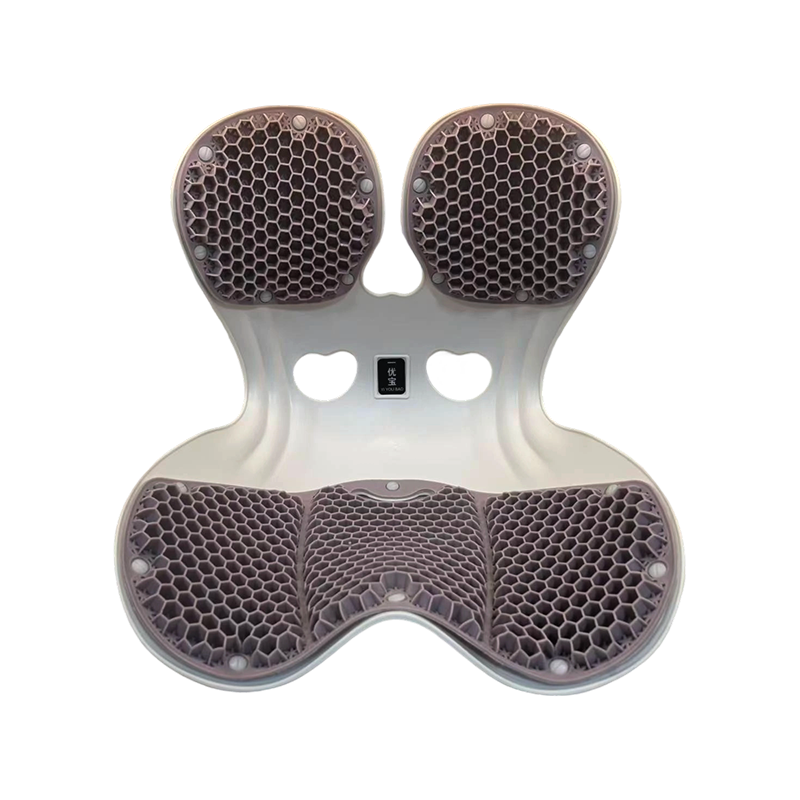
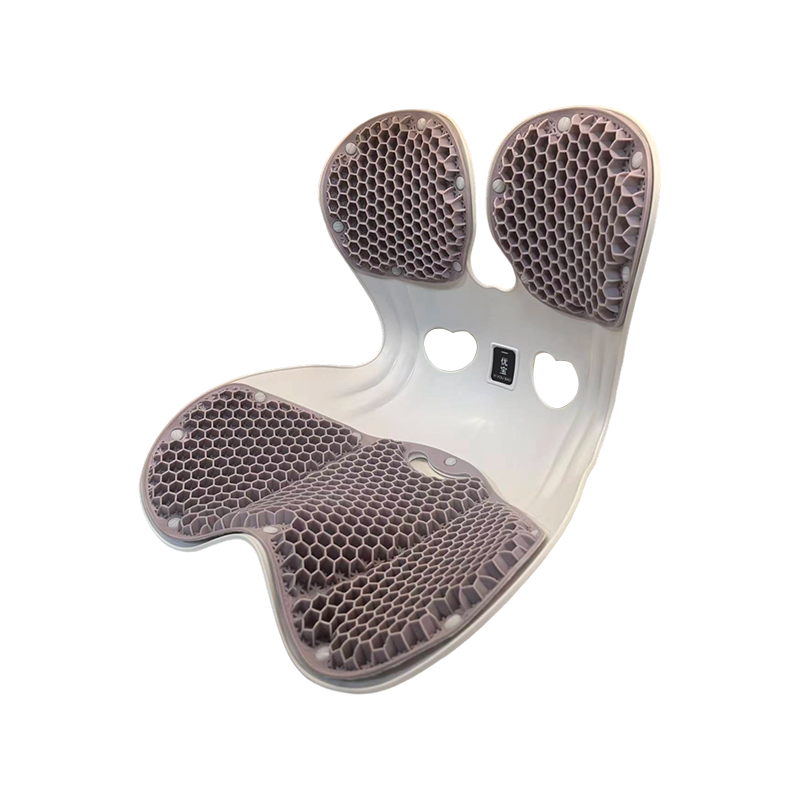
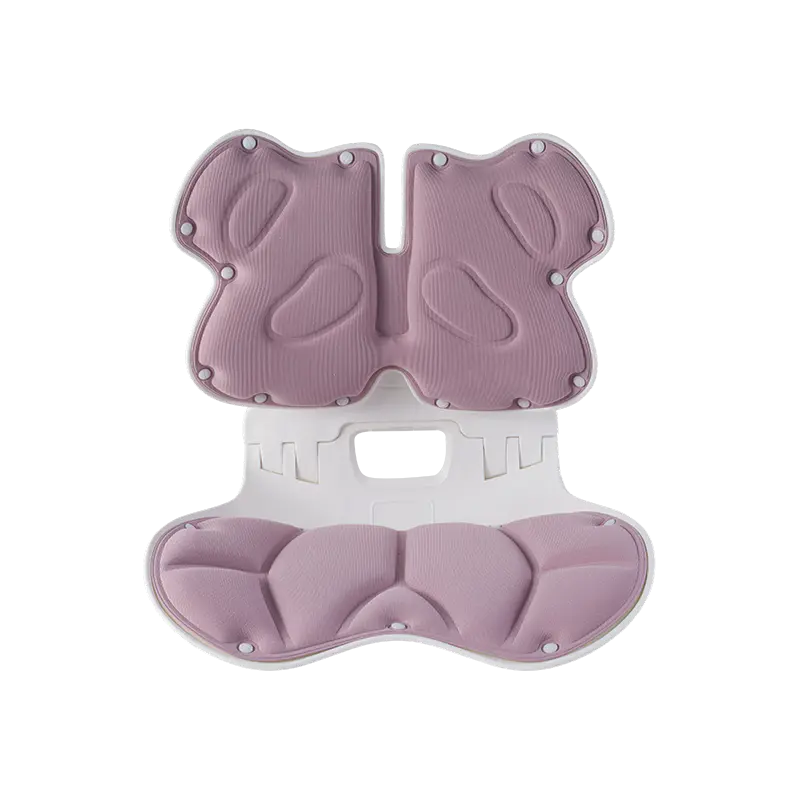
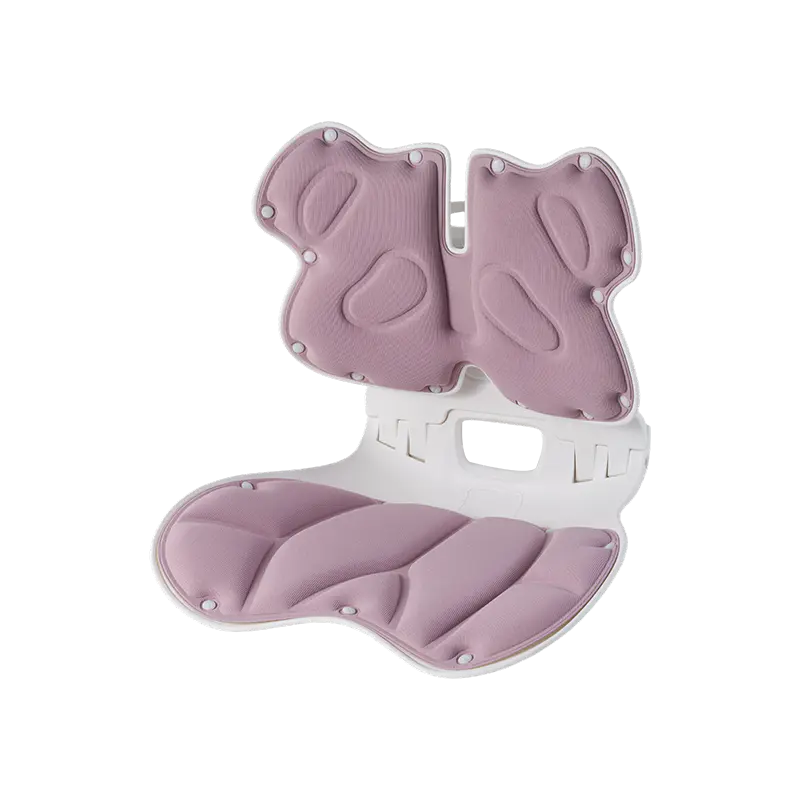
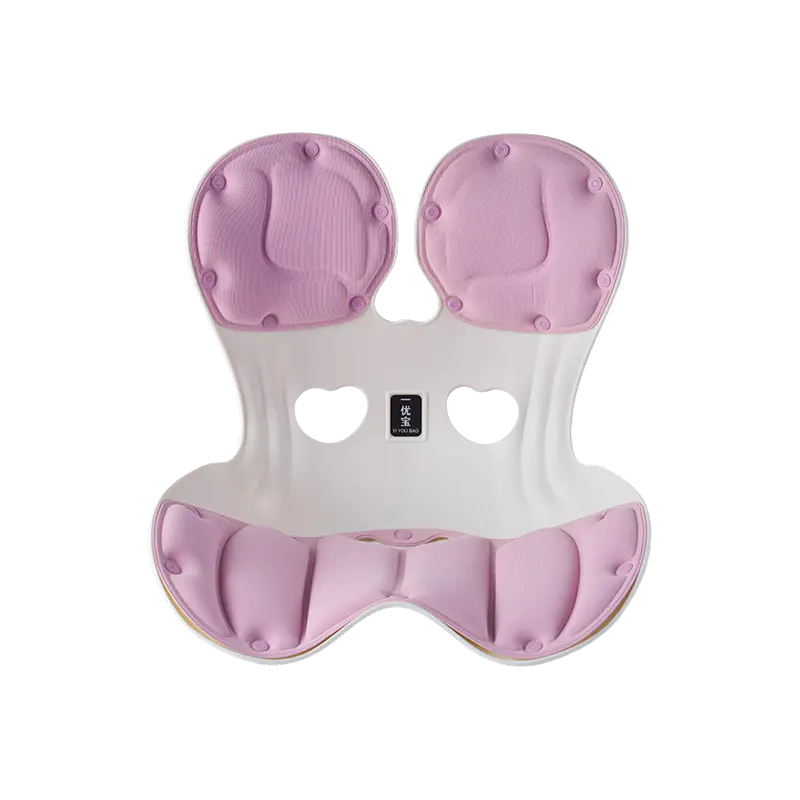
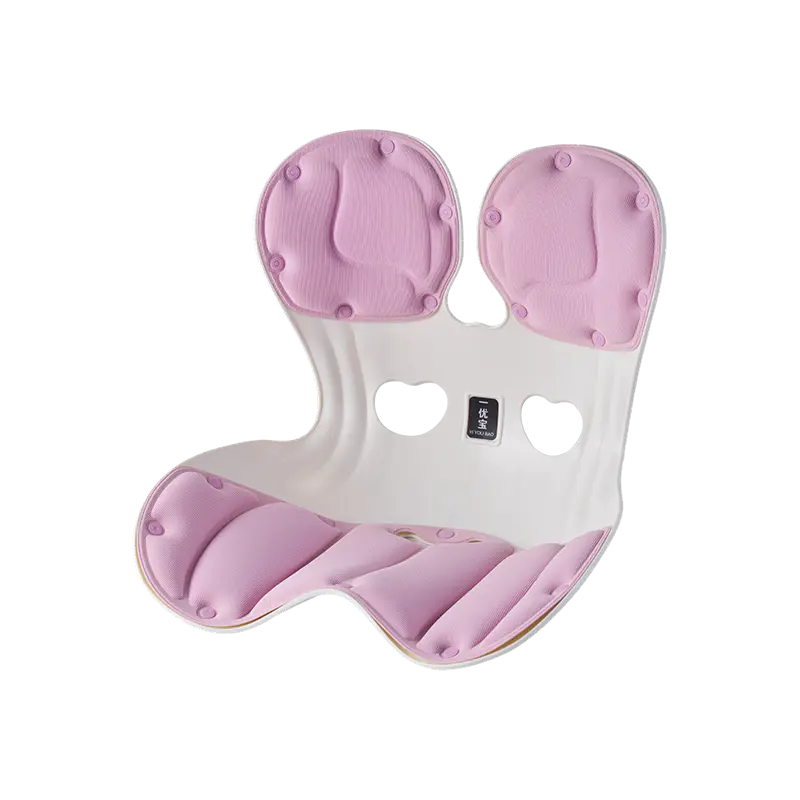
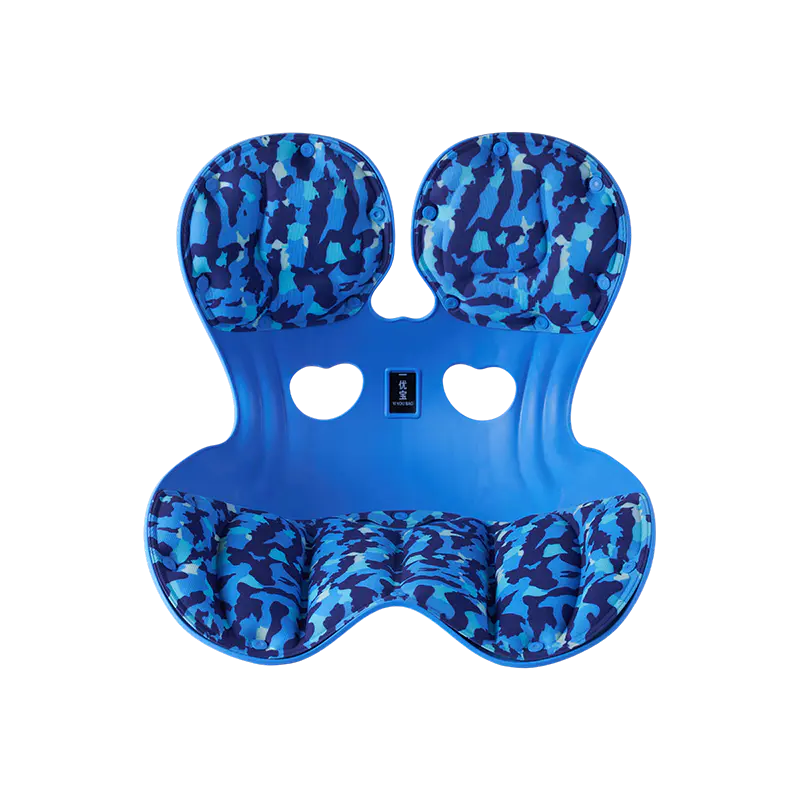
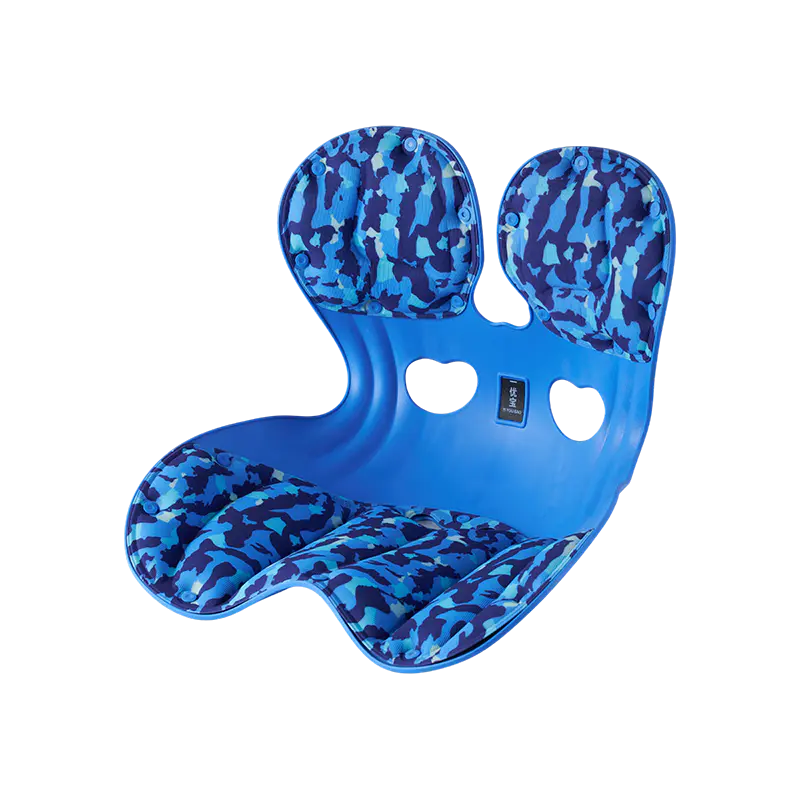
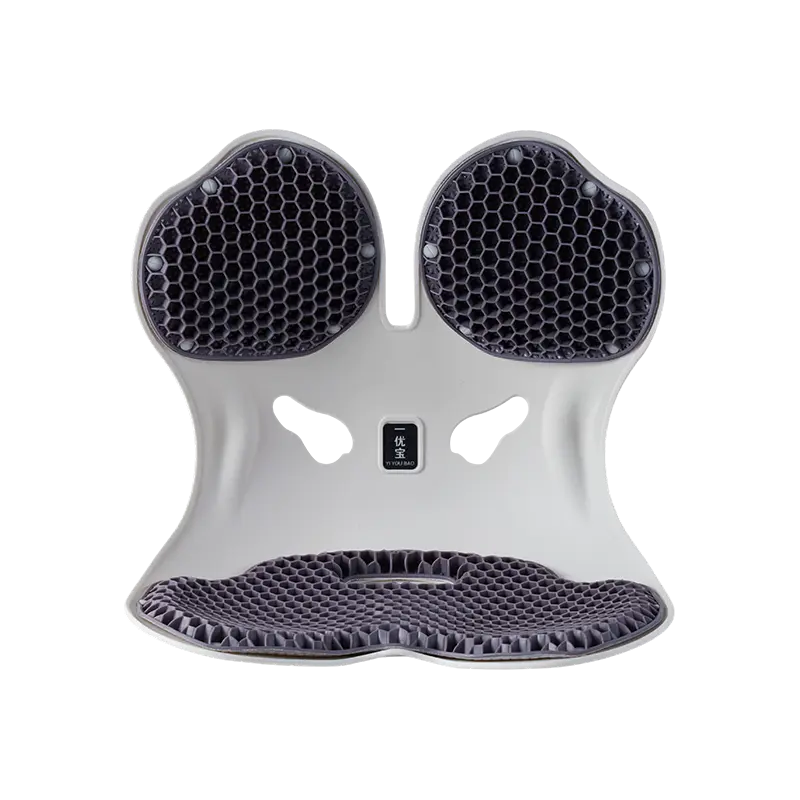
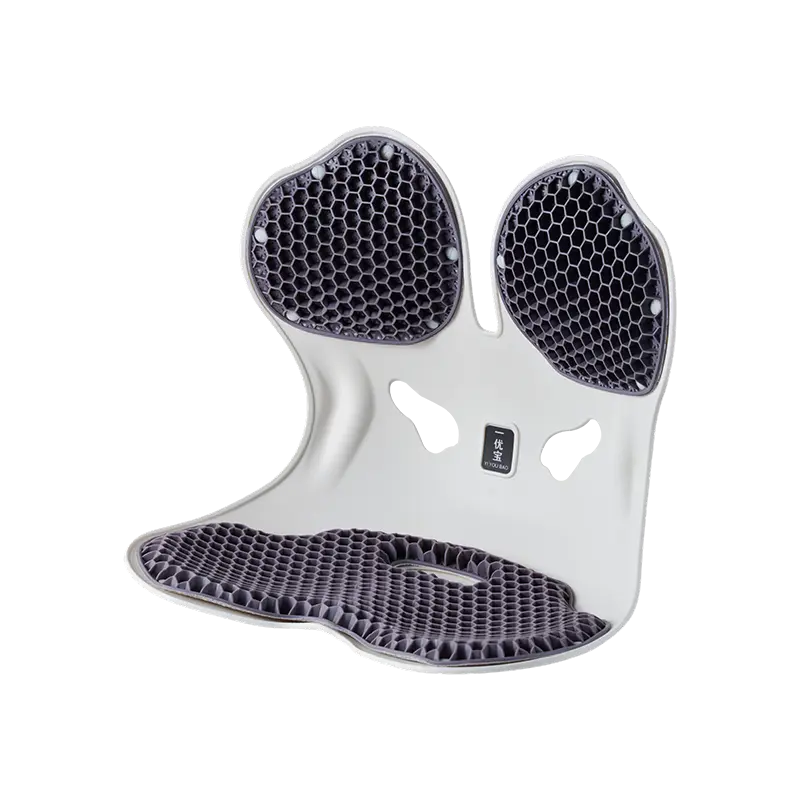
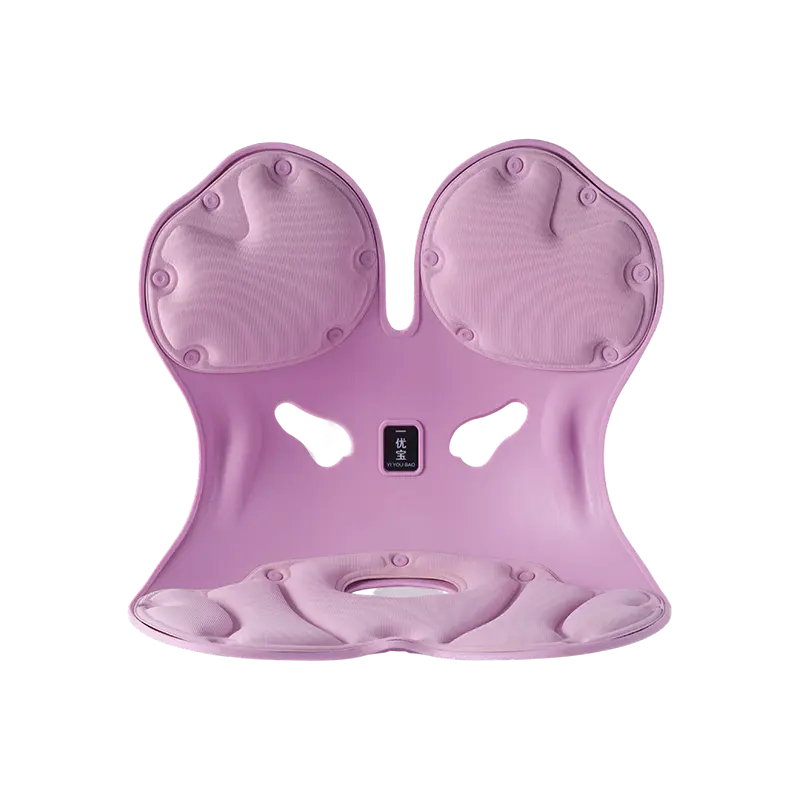
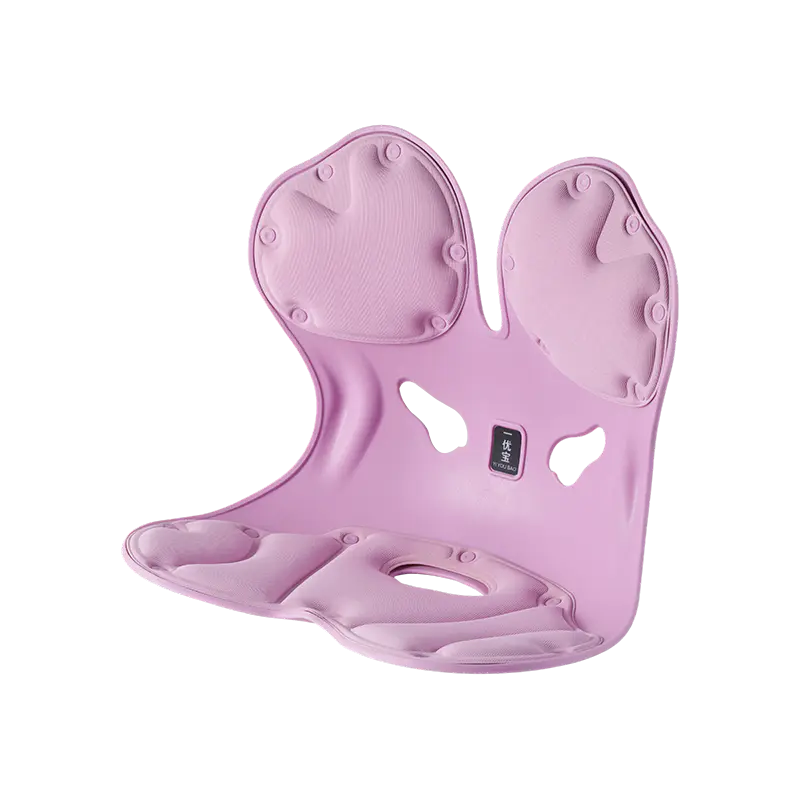
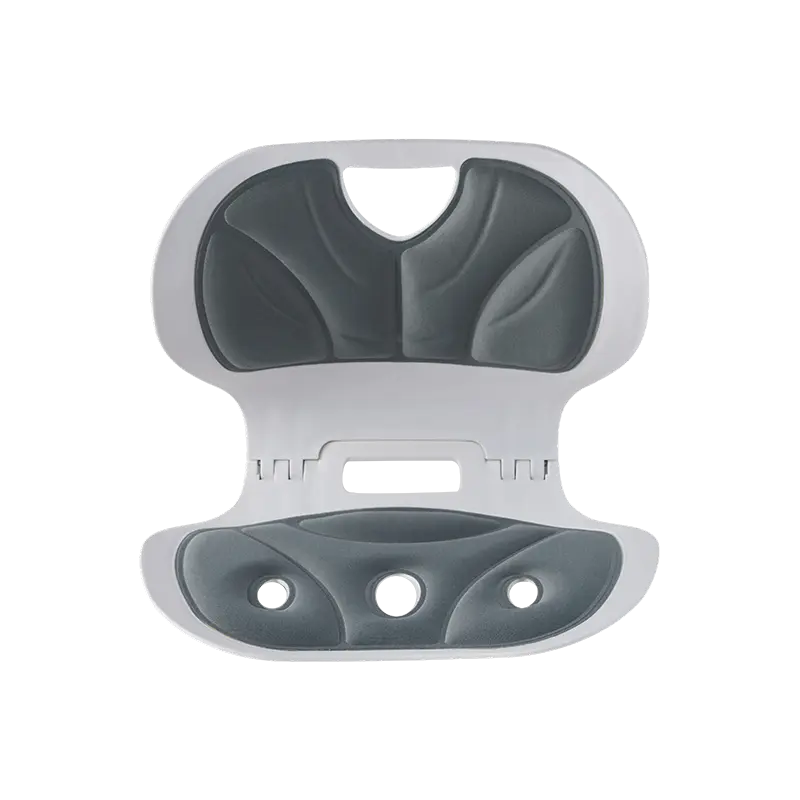
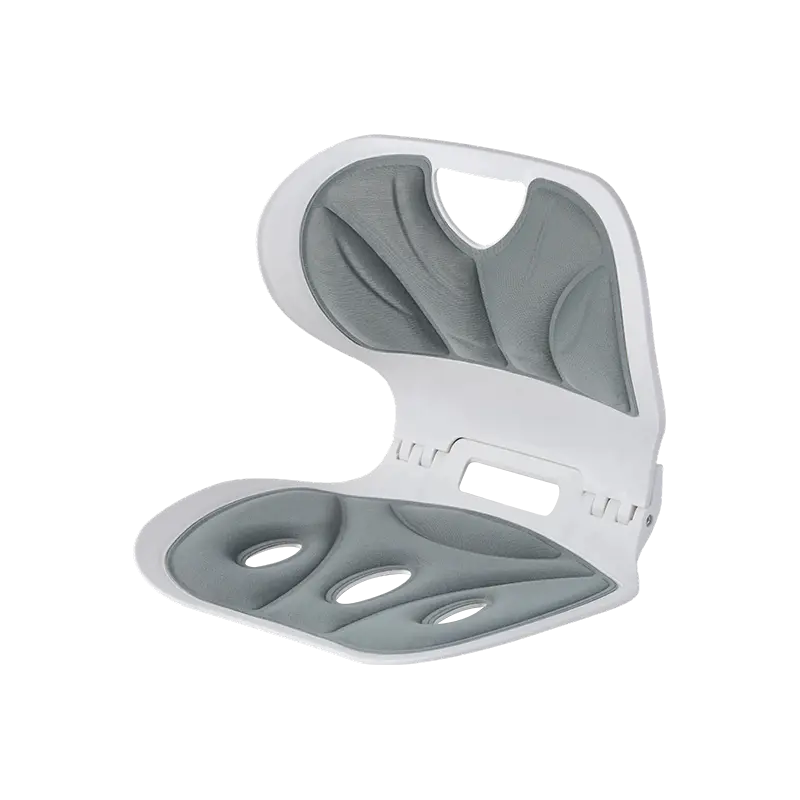
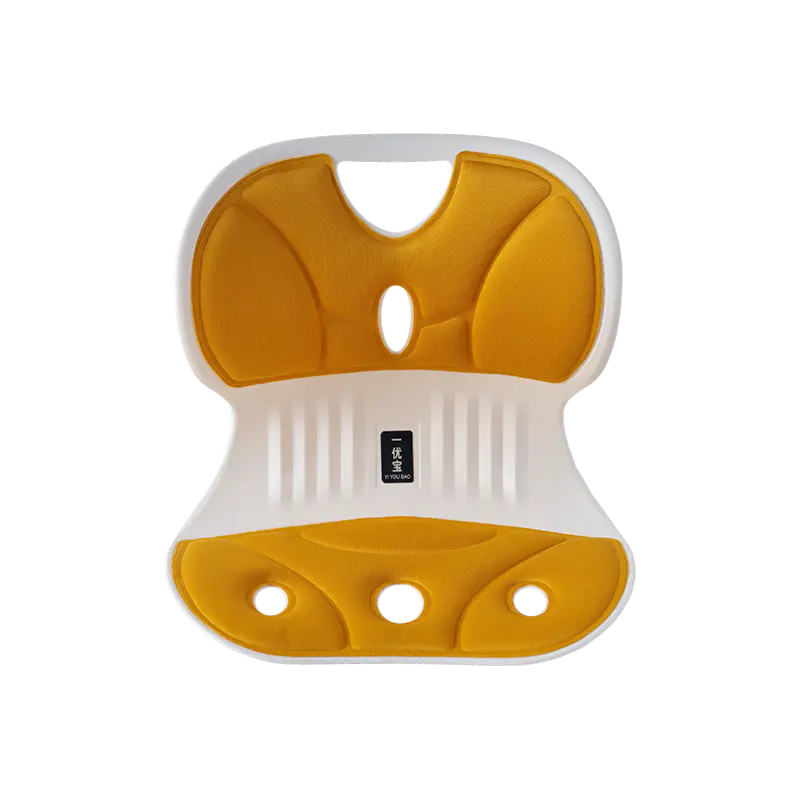
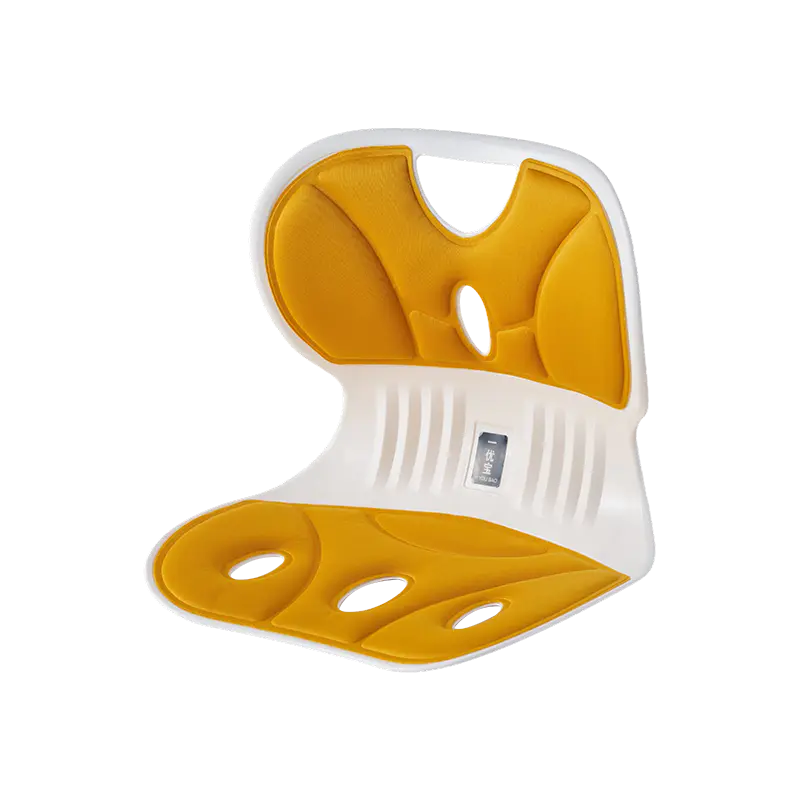
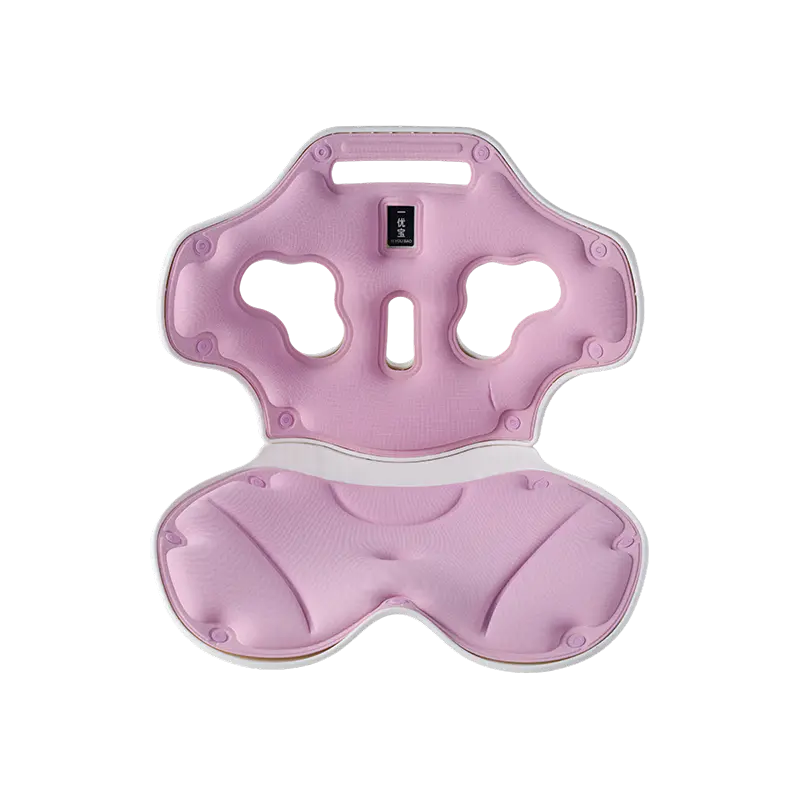
The design of the support itself significantly influences how reliably correct placement is achieved and maintained. A cushion with a well-defined ergonomic contour makes it easier to identify correct positioning because the shape corresponds naturally to the lumbar curve. A flat or symmetrical cushion requires more conscious effort to align correctly.
Key design features that support easier and more effective installation:
- Contoured profile: A shape that mirrors the lumbar curve reduces the trial-and-error involved in finding the right height
- Non-slip backing: A textured or rubberized rear surface prevents the cushion from migrating on smooth chair backs even when straps are loosely fitted
- Wide, adjustable straps: Narrow straps create pressure points on the chair back and allow the cushion to tilt during use. Wide straps distribute the load and keep the cushion level.
- Structured core with breathable outer layer: A dense core that holds its shape under bodyweight ensures the support remains functional across a full working day, while a breathable surface prevents heat accumulation that leads to users abandoning the cushion before it has delivered its benefit
A support that is easy to position and stays where it is placed removes the main variables that lead to poor outcomes.
How to Adjust for Different Seating Environments
Installation principles remain consistent across chair types, but the specific positioning varies with the seat configuration.
Office chairs: Standard office chairs have a relatively vertical back. Position the support at lumbar height and use both straps to secure it. The chair back angle is generally close to upright, so the support depth requirement is moderate.
Car seats: Car seats recline significantly more than office chairs. When the seat back is angled, the lumbar curve sits lower relative to the seat back surface. The support typically needs to be positioned slightly lower than in an office chair to contact the same area of the spine. Use the headrest and seat adjustments to find a position where the lumbar region is supported without tension in the neck or thighs.
Sofas and home seating: Sofas often have deep, soft seats that cause the pelvis to tilt backward naturally. This makes lumbar support more challenging to apply effectively because the seated posture itself is already compromised. Where possible, sit forward enough to maintain a more upright pelvis before placing the support, or add a firm seat cushion that reduces the posterior tilt before addressing the lumbar region.
How to Know When the Installation Is Correct
Rather than relying on immediate comfort as the only indicator, there are several more reliable signals that installation has been done correctly.
Signs the support is working as intended:
- You can sit without consciously reminding yourself to sit up straight
- The lower back feels supported rather than pushed
- Tension does not build in the upper back or shoulders as a result of compensating for poor lower back support
- You can sustain seated posture for a longer period without the familiar mid-afternoon ache
Signs that adjustment is still needed:
- A specific point of discomfort in the lower back or tailbone area
- Tension developing in the upper back, which often indicates the lower back is not being supported and the upper spine is compensating
- The cushion has visibly slid from its original position
- You find yourself sitting forward to avoid contact with the cushion
Does Correct Installation Replace the Need for Good Posture?
A well-installed support makes maintaining correct posture easier and less effortful, but it does not substitute for posture entirely. The two work together: the support provides the structural reference point, and the user's posture determines whether that reference point is being used.
Sitting all the way forward in the seat with the hips away from the chair back means the support is no longer in contact with the spine regardless of how well it was initially positioned. Regular movement breaks, conscious posture checks, and avoiding prolonged fixed positions all contribute to outcomes that a lumbar support alone cannot deliver.
A Final Checklist Before Your Next Sitting Session
Run through these points before starting any extended sitting period:
- Hips fully back in the seat, in contact with the chair back
- Support positioned at the lumbar curve, not the mid or lower back
- Consistent, light contact across the lumbar region when leaning back
- Straps secured and cushion not shifting when pressure is applied
- Feet flat on the floor or on a footrest, knees at a comfortable angle
- No point pressure or sensation of being pushed forward
If all of these are true, the setup is likely correct. If any one is off, adjust that single variable before evaluating the overall result.
Correct installation is what separates a lumbar support that genuinely changes how a long workday feels from one that ends up on a shelf after two uses. The difference between those outcomes usually comes down to a few centimeters of position and a strap that is properly tightened. If you are sourcing lumbar support products for teams, workplaces, or retail channels and want to ensure your customers have the information and the product design to get genuine results, Yongkang Yiyoubao Technology Co., Ltd. offers a range of ergonomic back support products developed with contoured profiles, structured cores, and adjustable securing systems that make correct installation straightforward. Reaching out with your application requirements is a practical step toward finding a product specification that your end users can actually use well.
 Previous