English
 中文简体

Industry News
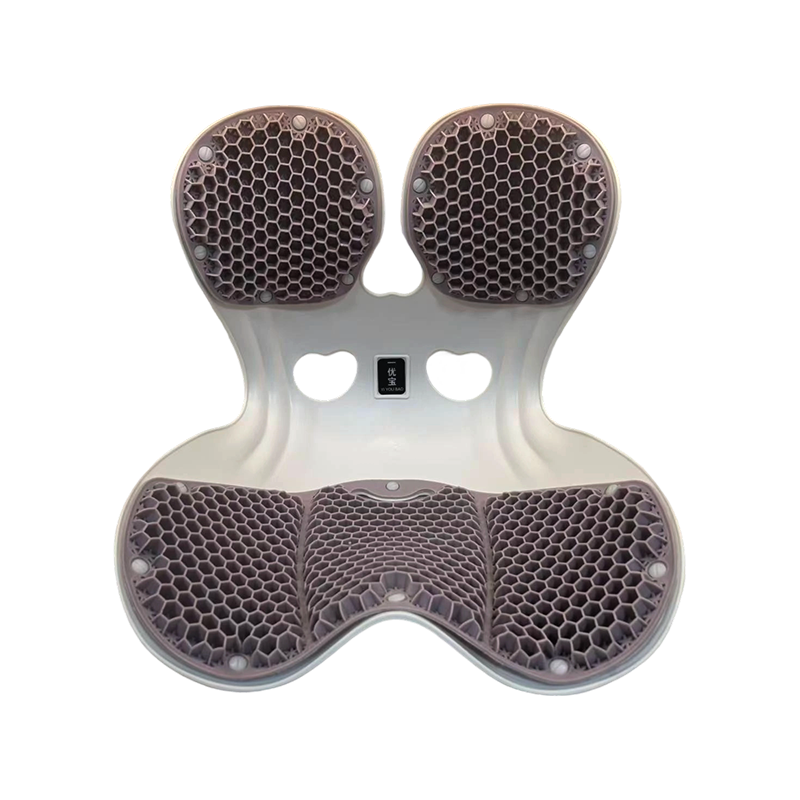
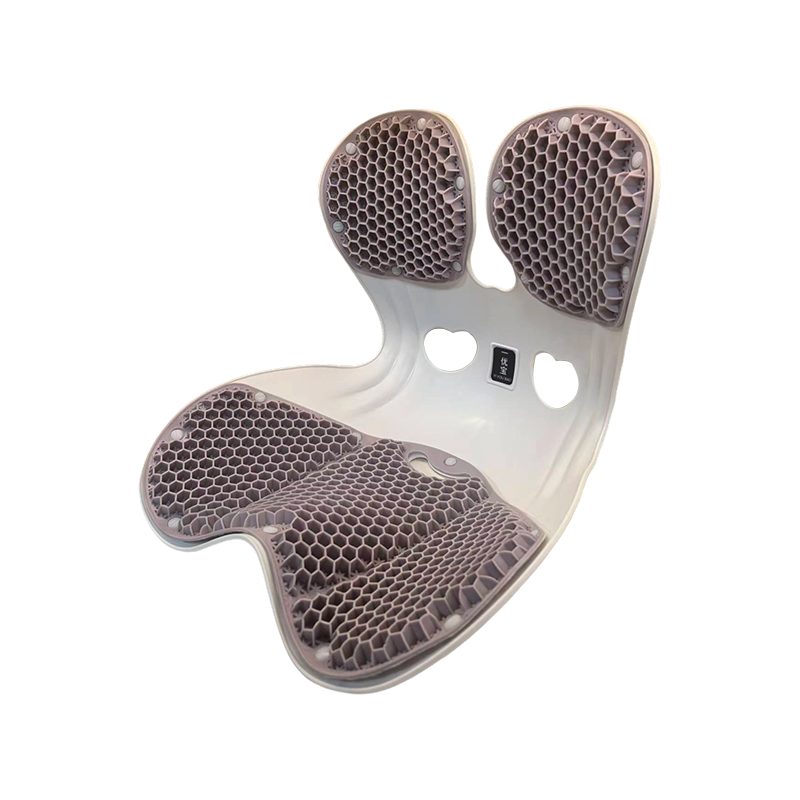
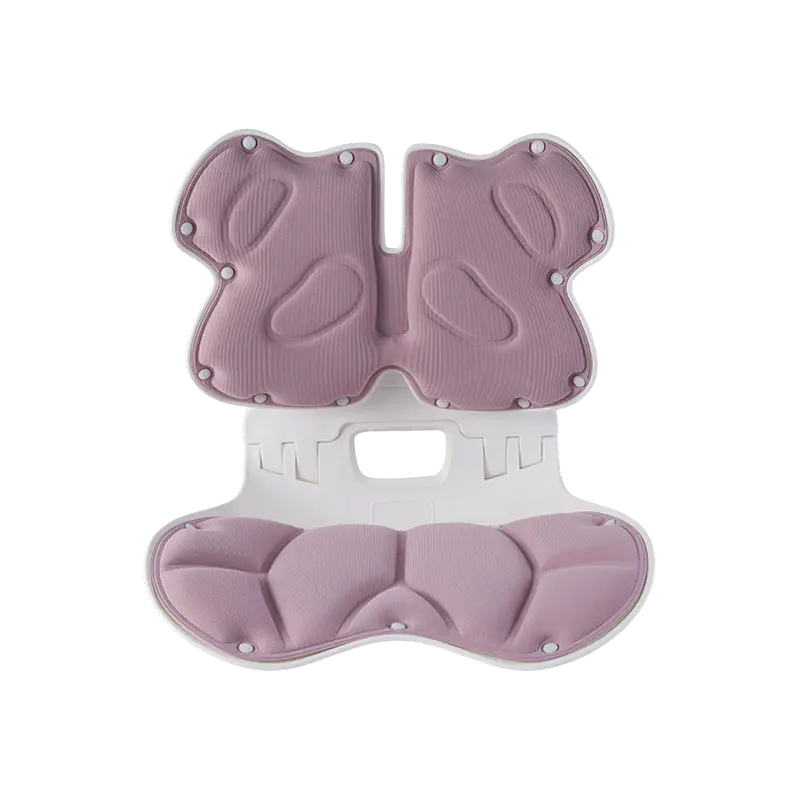
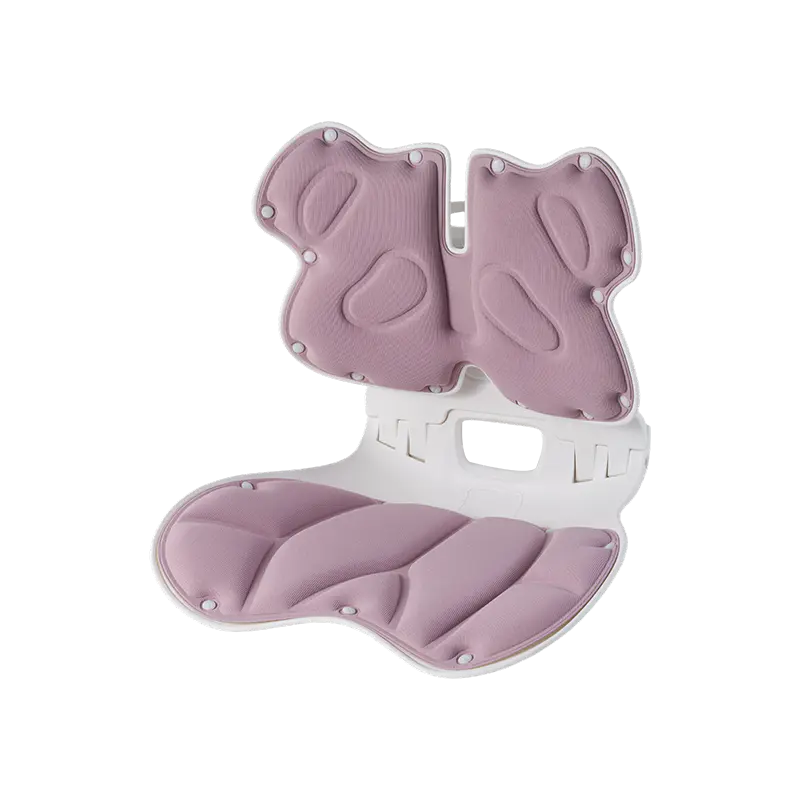
A busy workday can pass without you noticing how long you have been sitting. One moment you are answering emails, and the next you are deep into a video meeting or trying to finish a report before the deadline. A Waist Support Chair may make those hours feel more comfortable by supporting your lower back, but it does not mean you can stay in the same position all day. Your body still needs room to move, stretch, and change position. The trick is finding a balance between good back support and everyday movement, without turning your working routine into a constant struggle to maintain the right posture.
Can You Sit All Day Just Because Your Chair Has Lumbar Support?
Not really. A supportive chair can help your lower back feel more comfortable, but it cannot take away every problem that comes with sitting for long periods.
Think about a typical afternoon at your desk. You start with your back against the chair, then lean toward the screen while reading something closely. A few minutes later, you slide forward to type, or lean back while listening to a colleague. These small movements happen naturally. The trouble starts when you stay in one position for too long without noticing.
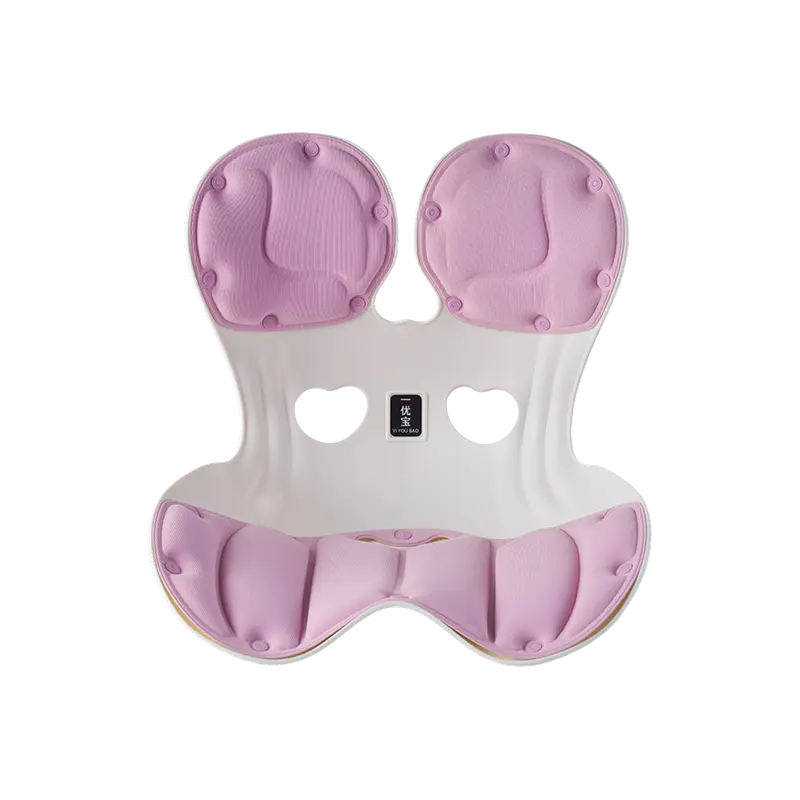
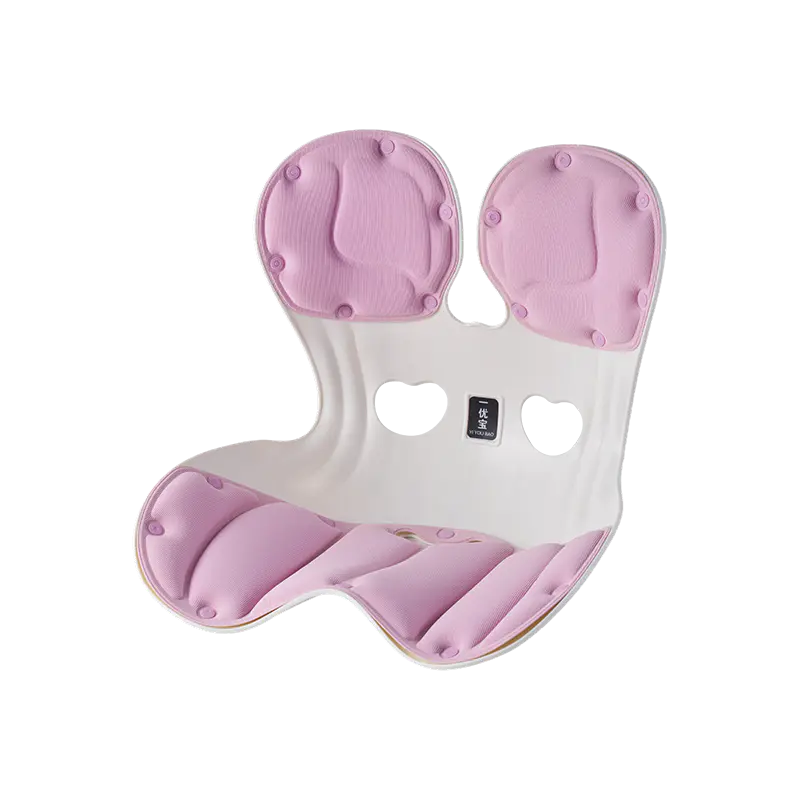
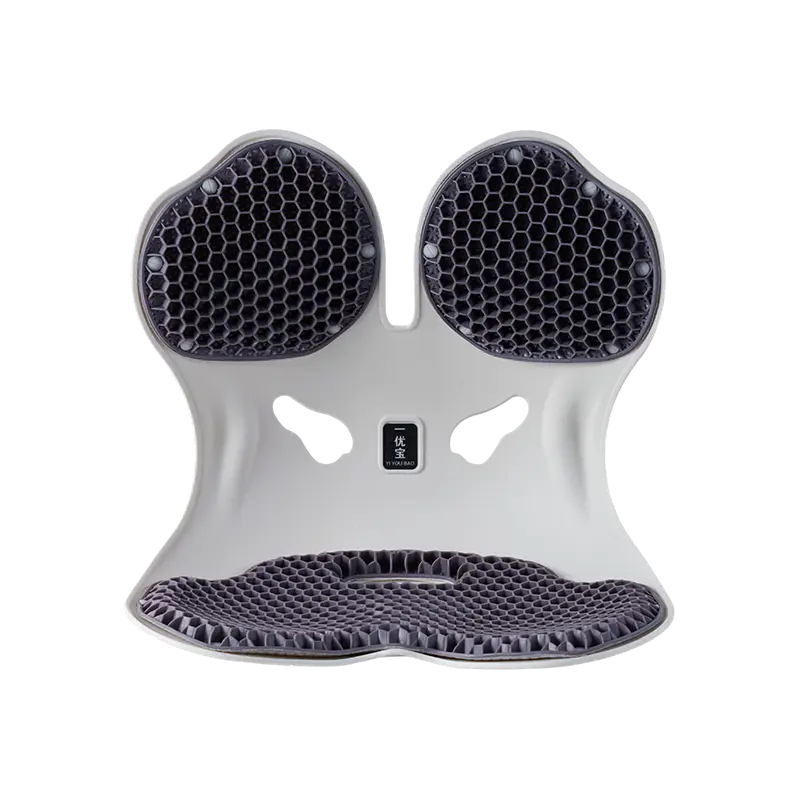
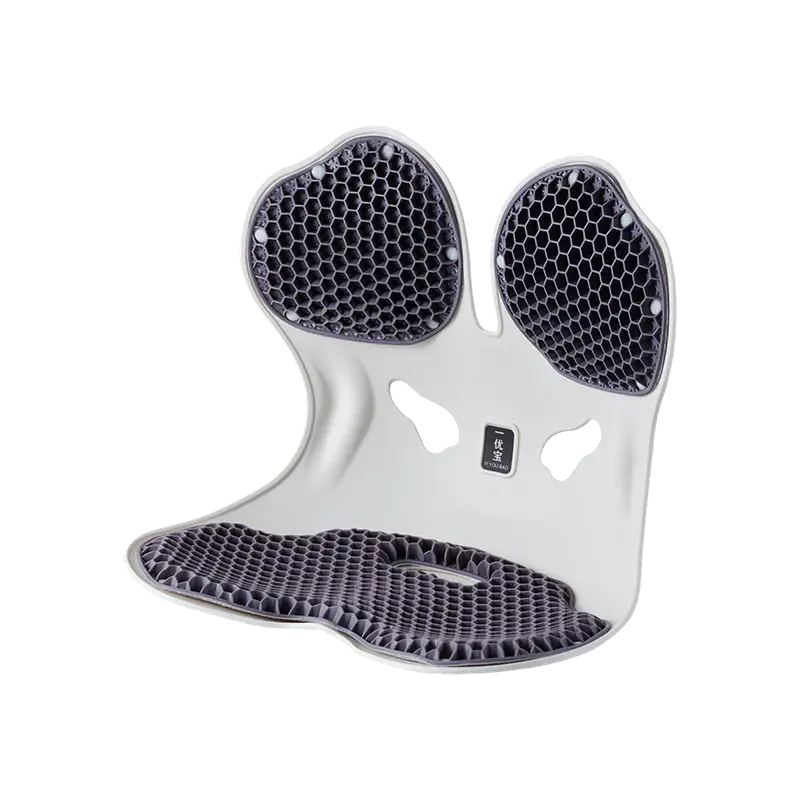
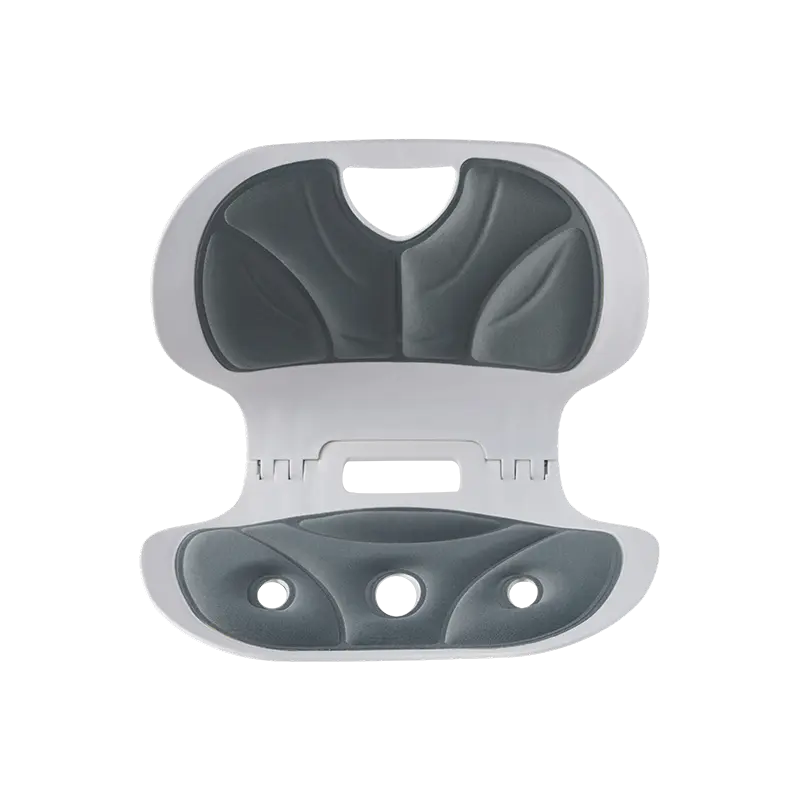
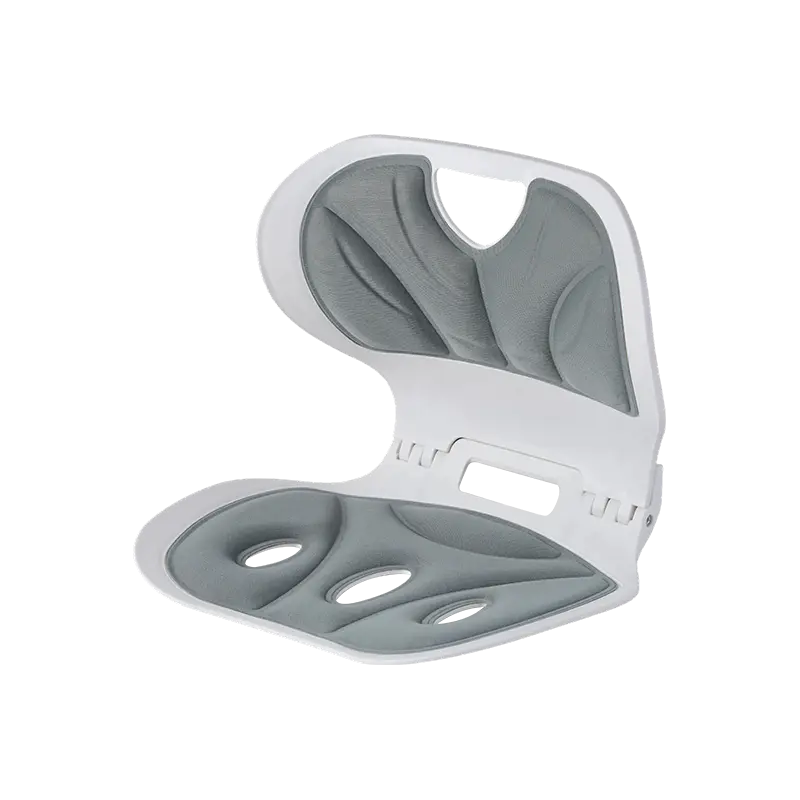
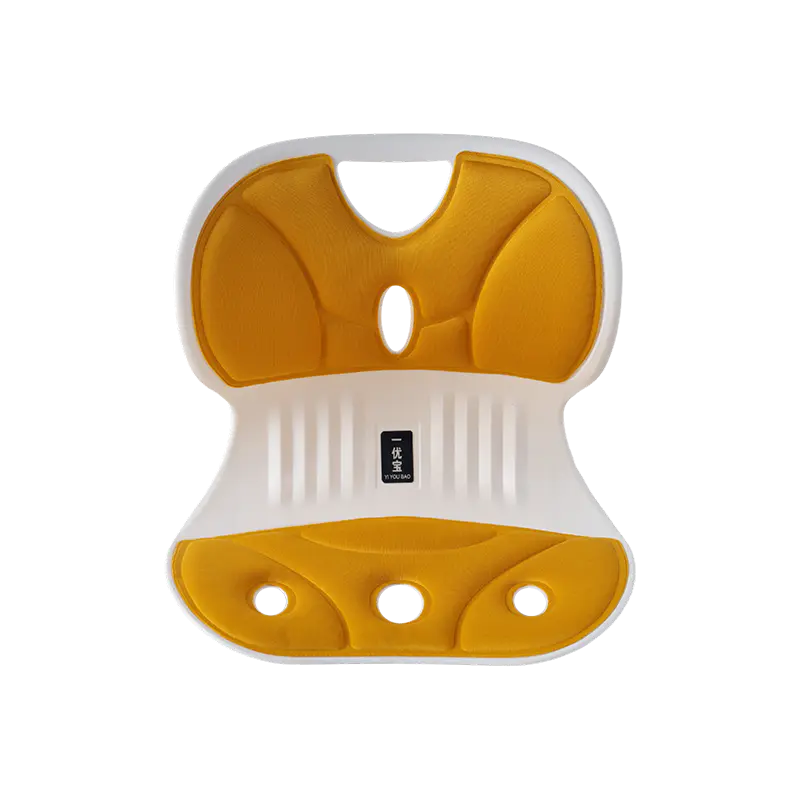
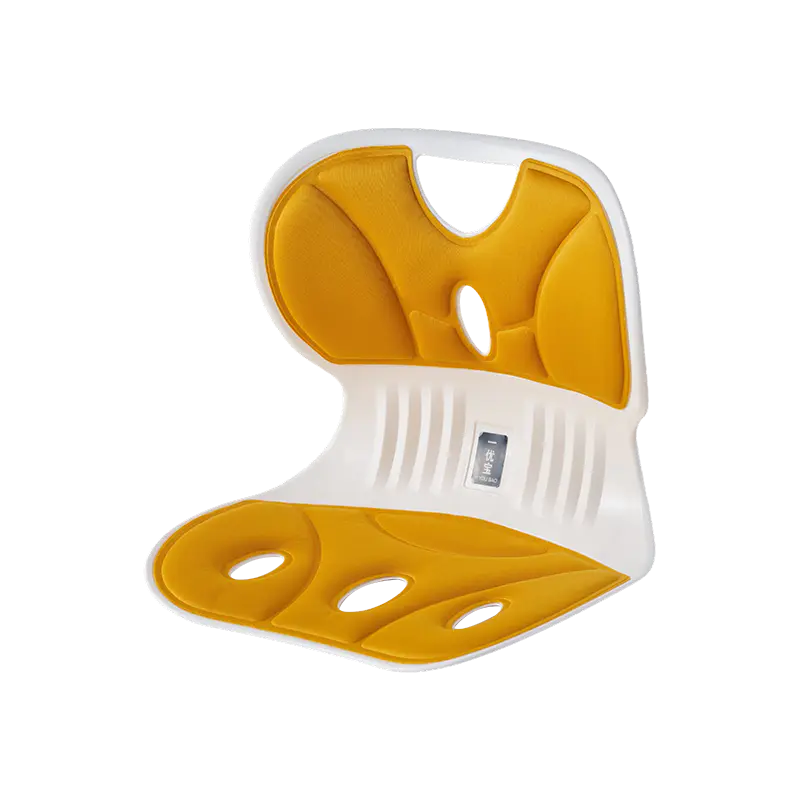
A Waist Support Chair is designed to provide contact around the lower back, helping it feel supported while you work. Depending on the design, its lumbar support may be built into the backrest or adjusted to suit your body.
That support can make sitting feel more relaxed. Still, it should not be treated as a replacement for movement. Even when your chair feels comfortable, your back, hips, shoulders, and legs benefit from a change of position throughout the day.
There is also a common misunderstanding worth clearing up: good posture does not mean sitting perfectly upright all the time. A relaxed position that changes naturally can be more practical than trying to hold a fixed posture from morning to evening.
Your Sitting Position Should Change With Your Work
Desk work is rarely as still as it looks. You might type for a while, read a document, join a meeting, and then spend time looking at a smaller screen. Each activity affects the way you sit.
When concentrating, people often move closer to their monitors. Shoulders drift forward, the head moves toward the screen, and the lower back may lose contact with the backrest. It is an easy habit to develop, especially when work gets busy.
Rather than trying to maintain one rigid position, pay attention to how your body feels.
You can sit with your back supported while typing, lean back slightly when listening, and move forward when a task calls for closer attention. The important thing is not to remain in any one position for too long.
A Waist Support Chair can make these changes easier when its backrest and lumbar area are designed to accommodate natural movement. However, even a flexible chair has limits. If you have been sitting for an extended period, changing your position in the chair is not quite the same as getting up and walking around.
Adjust Your Waist Support Chair to Fit Your Body
A chair may have several adjustment features, but they are only useful when set up properly. You do not need to change every setting before starting work. A few small adjustments can make a noticeable difference to how the chair feels.
Does Your Lumbar Support Sit in the Right Place?
The lower back has a natural inward curve, and the chair's lumbar area should make comfortable contact with it.
If the support sits too high, you may feel pressure around the middle of your back. Too low, and it may push against the pelvis instead of supporting the waist area.
Sit naturally and adjust the support until it feels comfortable. Avoid pushing it so firmly against your back that you feel restricted. A little support should feel like a helpful contact point, not something forcing your body into position.
Check Your Seat Height and Desk Position
The lumbar area is only one part of the sitting experience. Your feet, legs, arms, and screen position matter too.
Your feet should rest comfortably on the floor. Your knees should feel relaxed rather than squeezed against the edge of the seat. If your chair is too high, a footrest may help. If the seat is too deep, you may find yourself leaning forward to reach the backrest.
It is worth looking at your desk as well. A monitor that sits too low can encourage you to bend your neck, while a keyboard placed too far away may cause you to stretch your shoulders forward.
Here is a simple guide to everyday adjustments:
| Chair or desk feature | What to check |
|---|---|
| Lumbar support | Comfortable contact with the lower back |
| Seat height | Feet resting comfortably on the floor |
| Seat depth | Enough room behind the knees |
| Armrests | Shoulders staying relaxed |
| Monitor position | Screen easy to view without leaning forward |
| Backrest angle | Comfortable for the task you are doing |
These details may seem small, but they can change how your entire workstation feels.
When Should You Get Up and Move?
This is where many people struggle. A meeting runs over, an email arrives just as you are about to take a break, and suddenly you have spent much longer at your desk than planned.
Rather than waiting until your back feels stiff, build movement into the natural gaps in your workday.
You do not need a long exercise session every time you leave your chair. A short walk to get water, standing while taking a phone call, or stretching beside your desk can help break up long periods of sitting.
Some simple habits are easy to keep:
- Stand up after finishing a task instead of immediately starting another one.
- Walk around during audio calls when practical.
- Relax your shoulders and move your arms after long periods of typing.
- Change your sitting position when you notice yourself leaning forward.
- Step away from the screen between demanding tasks.
The key is consistency. Small changes are easier to maintain than a complicated routine that you forget about after a few days.
A Simple Workday Movement Plan
Your schedule will depend on your job. Someone who spends the day in meetings may have fewer chances to leave the desk than someone working on independent projects. Still, a flexible routine can help.
| Work situation | A simple action |
|---|---|
| Starting the day | Adjust your chair and check your sitting position |
| During focused work | Relax your shoulders and change position when needed |
| Between tasks | Stand up and take a short walk |
| During longer meetings | Recline comfortably or stand when appropriate |
| After extended screen work | Stretch gently and move away from the desk |
| Finishing work | Leave the chair and spend some time walking |
If you often forget to move, a reminder on your phone or computer can be useful. Keep it simple. The aim is to encourage a break, not add another source of pressure to an already busy day.
What Makes a Waist Support Chair Worth Considering?
Not every chair with a padded backrest provides the same experience. Some offer a fixed lumbar section, while others let you adjust its position. The shape of the backrest and the way the chair reclines also affect how it feels during everyday use.
When choosing a Waist Support Chair, think about how you actually work rather than focusing on one feature alone.
Adjustable Support Makes a Difference
People have different heights, body shapes, and sitting habits. A fixed cushion may feel comfortable for one person but sit in an awkward position for someone else.
Adjustable lumbar support gives you more control over where the chair meets your lower back. It is worth checking whether the adjustment is easy to use and whether the support stays in place when you move.
A Reclining Backrest Gives You More Flexibility
You probably do not sit in exactly the same way when typing a report and listening to a meeting.
A reclining backrest allows you to move into a more relaxed position when the task permits. It can also make it easier to shift between upright work and casual reading.
Just remember that reclining is still sitting. It does not remove the need to stand up and move around.
Look Beyond the Lower Back
A chair should feel suitable for your whole body. Seat depth, height, armrest position, and backrest shape all affect your comfort.
| Feature | Why it matters |
|---|---|
| Adjustable lumbar support | Helps match the support to your body |
| Flexible backrest | Allows changes in sitting position |
| Reclining function | Provides a more relaxed position during suitable tasks |
| Adjustable seat | Helps accommodate different leg lengths |
| Supportive armrests | Allow your arms to rest comfortably |
A chair with several adjustment options can be useful, but more controls do not automatically mean a better fit. What matters is whether you can set it up comfortably and use those features without difficulty.
Small Sitting Habits Can Make a Big Difference
Sometimes the problem is not the chair itself. It is how you use it.
One common mistake is assuming that lumbar support removes the need to move. Another is setting the support too high or too low and then trying to get used to the pressure. Some people also lean toward their screens for hours because the monitor is poorly positioned.
These habits are worth changing.
If you find yourself constantly leaning forward, move the screen closer or increase the text size. If your lower back feels uncomfortable, check the lumbar adjustment instead of simply sitting more upright. When your shoulders become tense, take a moment to relax your arms and move away from the keyboard.
Also, do not overlook the space around your desk. Having enough room to stand, stretch, and take a few steps makes movement feel much easier.
A Waist Support Chair should fit naturally into your working environment. Adjust it to your body, use the backrest when you need support, and give yourself permission to change positions during the day.
The next time you settle down for a long work session, take a moment to check your chair before opening your laptop. Make sure your lower back feels supported, your feet are comfortable, and your screen is easy to view. Then, when work gets busy, remember that you are allowed to leave the chair for a few minutes. A comfortable workspace should make it easier to work and move, not keep you stuck in one position.
 Previous